 HydOS
Free custom firmware for the Fosi Audio DAP Neo.
Download HydOS 1.0.0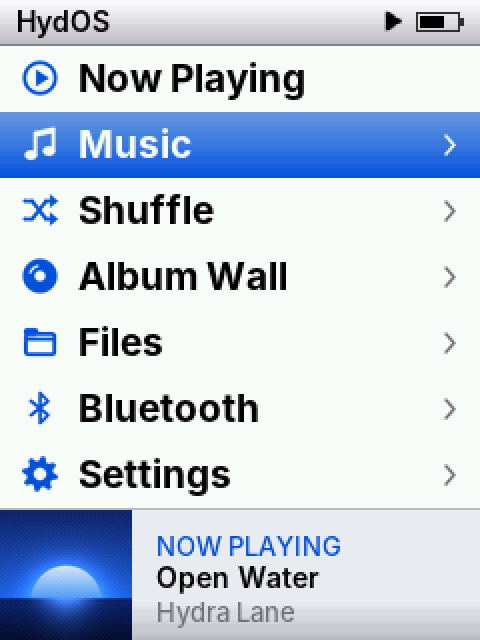
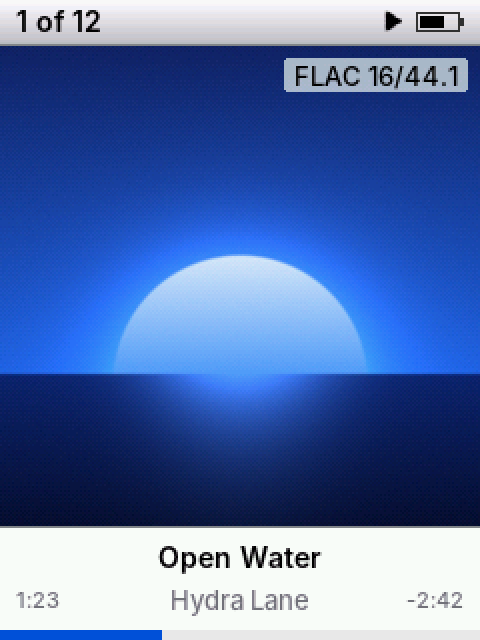
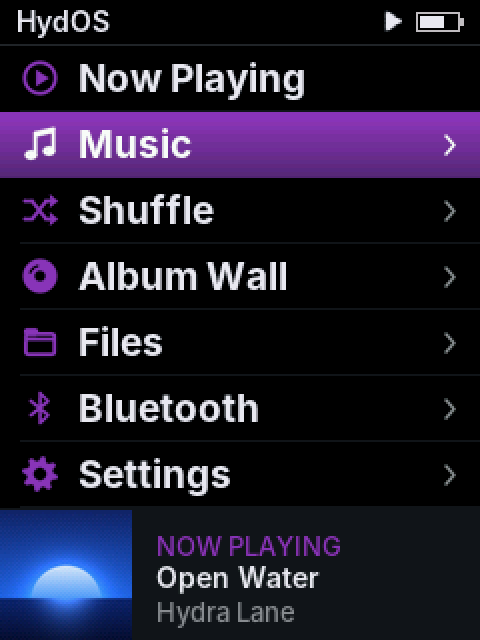
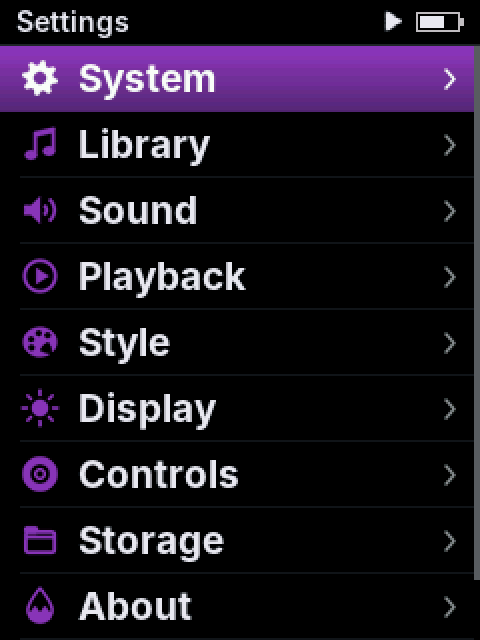
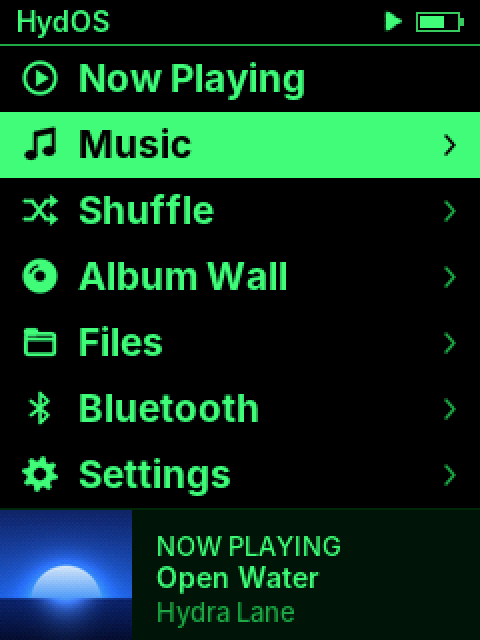
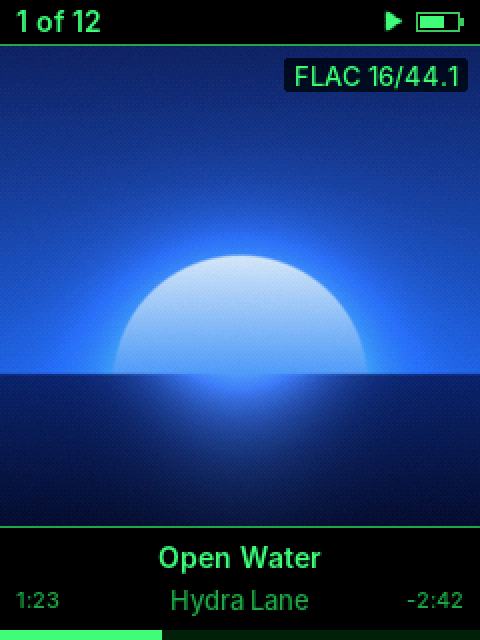
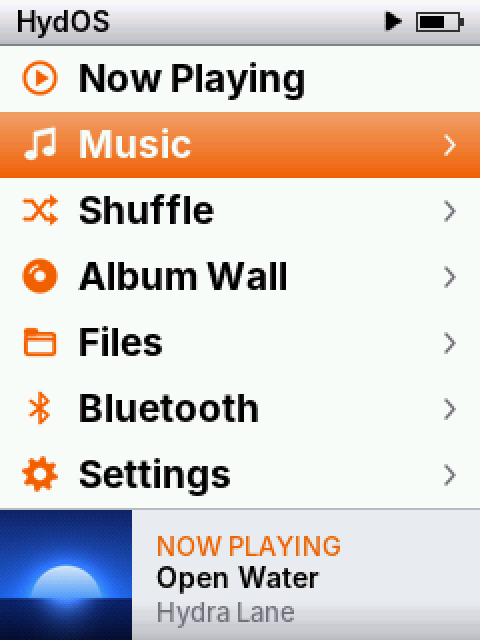
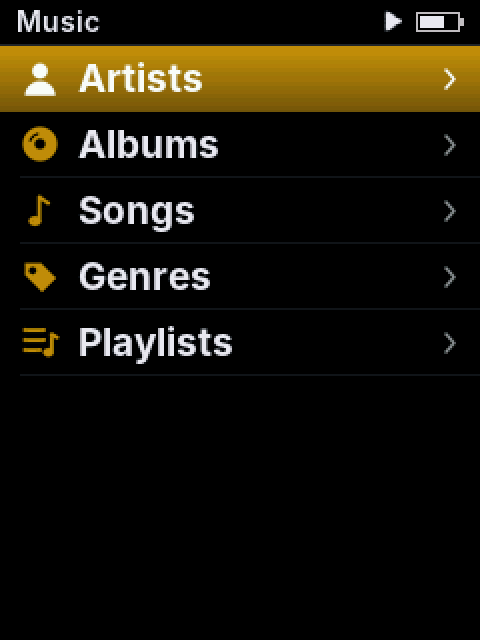
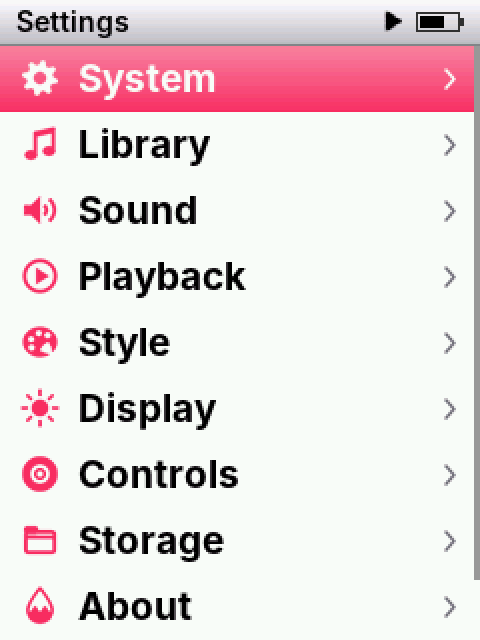
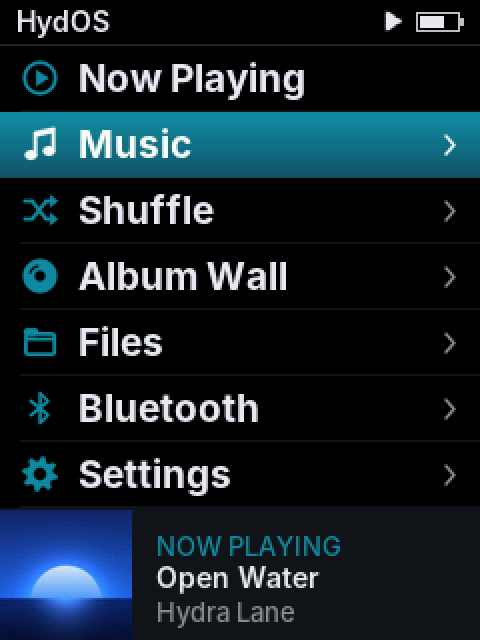
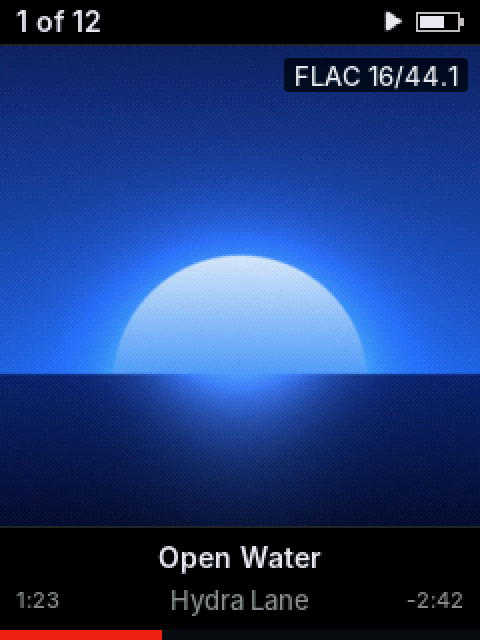

Home, Light with Blue
What it does
- Gapless on every format: FLAC, ALAC, AAC, MP3, WAV, AIFF, Ogg Vorbis, Opus, Monkey's Audio, DSD and CUE sheets, up to 192 kHz.
- Fast: boots in about a second (stock takes about 20) and builds a 3,000-song library in under half a minute.
- Library: Artists, Albums, Songs, Genres, Playlists and Folders, built on the player from your tags. Up to 65,000 songs.
- Album covers on Now Playing and an Album Wall, made on the player from embedded art or cover.jpg.
- Your style: Light, Dark or Phosphor, nine accent colours, and the rows you want on Home.
- Sound: EQ with presets and AutoEQ import, ReplayGain, DAC filters, volume limit.
- Bluetooth headphones, wired headphone remote, USB DAC mode and USB drive mode.
- Any card: microSD in exFAT or FAT32, any folder layout, swap cards while the player is on.
- Shuffle by song, album or artist.
- Updates from the card: drop in the new file and pick Update firmware. Your settings and library stay.
Measured
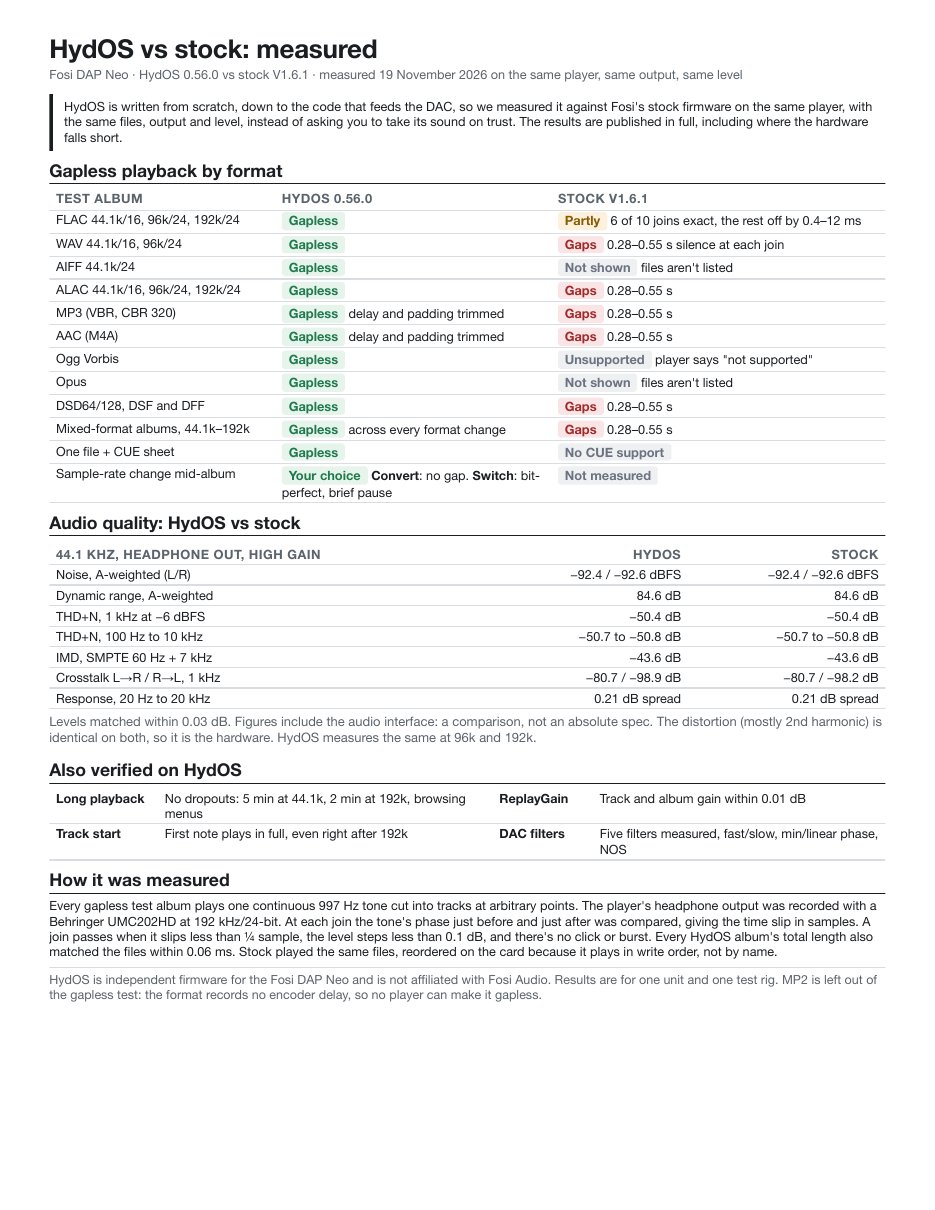
HydOS and Fosi's stock firmware, measured on the same player with the same output and level: gapless playback in every format, noise, distortion, crosstalk and frequency response.
Measurements (PDF)Download
fac4b60ab6184348bfe41e1eeddeab983aa35f2b8c3cbd4ecbf97ddbda590a2fThe zip holds the firmware in two files (one for each way to install), and install instructions.
Install
From Fosi's firmware
- Connect the player to your computer. Its internal storage appears as a drive called DAP Sys.
- Copy
RKNANOFW.IMGfrom the zip to the root of DAP Sys. Keep the name as it is. - Eject, unplug and restart the player. It installs HydOS. If it doesn't come back on, press the reset pinhole next to the USB-C port once.
Updating HydOS later
- Copy
neo-fw.imgto the root of the microSD card. - On the player: Settings > System > Update firmware.
Going back
Copy Fosi's firmware file (for example DP3_V161.IMG) to the root of the microSD card, then choose Settings > System > Update firmware. This clears HydOS's settings and library; the music on your card stays.
The player's recovery mode lives in its boot ROM, so you can always flash Fosi's firmware back.
Something wrong?
Settings > About > Save logs, then send .dapneo.log and .dapneo.batlog from the card's root.
Free, with tips welcome
HydOS is free. The source code will be published later.
If HydOS makes your player better, tips on Ko-fi are welcome.
Use at your own risk. HydOS is an independent project, not made or endorsed by Fosi Audio. Fosi Audio and DAP Neo are names of their owners.